Aug 22, 2017

See It with SeeSaw

Welcome back to a new school year! I assisted a teacher yesterday with this tool that I have been using with my 5th graders since last year and thought I would share with the rest of you. The tool is called SeeSaw and it is a great online collaboration tool as well as a fantastic way to show off what the students are doing in your classroom. As you can see from the screenshot below, students can post their work (images, video, text) and others can comment on it. There is also a journal feature, a blog feature, and announcement feature. When I post a message to my students in SeeSaw (I can select if I want the message to go to one student, a few students or the entire class) and I can invite parents to be able to view their work as well. I also love the easy set up to create a class in SeeSaw as well as the ability to email the students with instructions to follow to join our SeeSaw class. SeeSaw makes it quick and easy for teachers, students, and parents to join.

May 16, 2017

CSI: Mathematics


Looking for online math enrichment for grades K thru 8th? Georgia Tech has put together an impressive resource. It is called CSI: Mathematics. Click here to check it out! Advertised as a mathematics resource for teachers, students and parents, it is a free list with links to useful activities and games organized by area of focus. It is great for enrichment recommendations for parents to share with their children, center activities, homework practice, and indoor recess options. CSI: Mathematics was created by the Center for Education Integrating Science, Math, and Computing (CEISMC) at Georgia Tech, in partnership with the Georgia Department of Education. Enjoy!

May 10, 2017

You're Famous!


You may have noticed that I haven't shared many Tuesday Tech Tips lately. It's not an accident either. Truthfully, I have struggled to identify tech tips that are new and exciting. Rather than create one just for the sake of sharing well, that didn't feel very authentic. Why bombard your inbox unnecessarily? It wasn't until today that I came across something fun, easy and probably quite useful. That something is called PhotoFunia. Plaster your face or anyone else's face inside a host of fun, creative designs (see my cute friend's face above on the billboard). If you don't like the idea of creating fun images, interesting text-filled designs can be created too. Check it out:

Even better, create an unusual scene using multiple subjects, such as this one:
Have fun with Photofunia by creating masterful photos for Young Authors Night, book reports, presentations, back to school events, digital portfolios, math museums, community helper projects, or whatever else aligns with your curriculum. Warning: a lot of time can be spent getting lost in the creative spark of PhotoFunia!


Jan 17, 2017

Toontastic Turns Fantastic

A number of us have used the Toontastic app over the years. The latest and greatest addition to Toontastic, however, is that now you and your students can create cartoons with this free app in 3D! Fantastic for learning a foreign language, learning parts of speech, creating word problems, enhancing reading groups, and more. In fact, I made one that you are welcome to check out here. I warn you: this is another episode of me embarrassing myself but we do it for the kids, right?


It couldn't be easier so please try it out, integrate it into your learning, and have fun. 

Dec 13, 2016

Dare to Wander

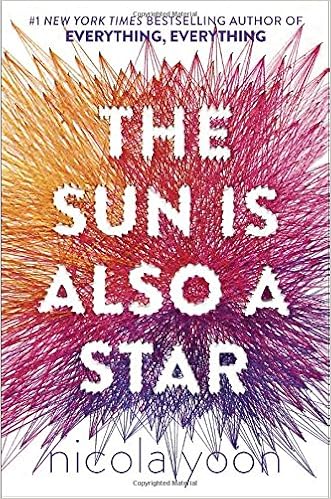
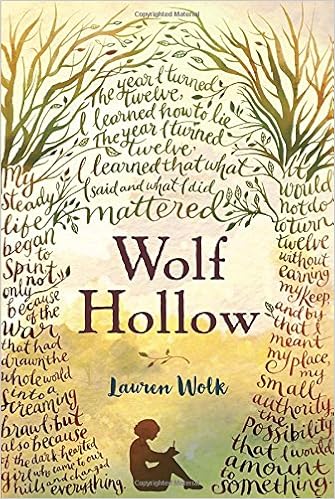
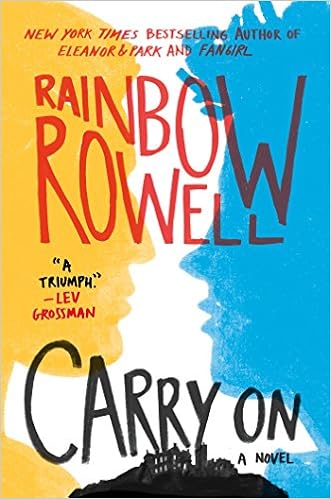
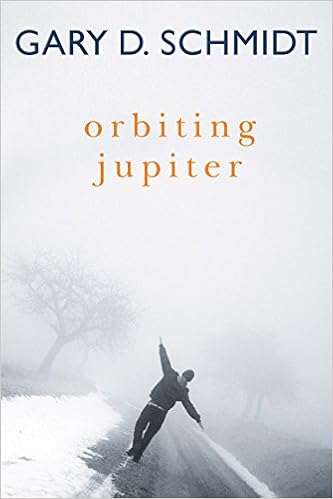
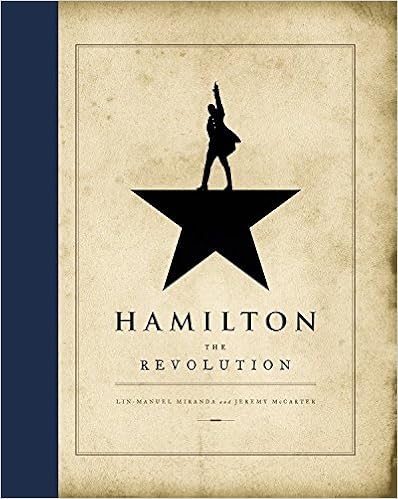
I should apologize in advance for what's about to happen on this page because today's tech tip isn't really a tech tip at all. Although it is a plug and technology quite often requires a plug. If you haven't checked out a book from either of our media centers but especially our middle school media center, then you are truly missing out. I focus on our middle school media center because chances are if you are reading this, you are an adult. Our middle school media center has so much for everyone. I think of it as a hidden gem. I've been thinking about this a lot lately because each day when I wonder in there, I discover at least five more great books that I've yet to read but have heard about. No joke. To prove my point, here are the books that I came across today that I have since added to my "to read" list:


https://www.amazon.com/Holding-Up-Universe-Jennifer-Niven/dp/0385755929/ref=sr_1_1?ie=UTF8&qid=1481659991&sr=8-1&keywords=holding+up+the+universe


And then of course there are more:


I list just a few above but there are so many more new books sitting in our middle school media center that have received recent accolades. Because of the amazing boutique collection that lives in the middle school, it is definitely worth wandering in there yourself. I dare you.

Nov 29, 2016

No Travel Budget? No Worries.


There is that saying that when we reach third grade, we have transformed from learning to read into reading to learn. This is immediately what I thought of when I came across Google's Cultural Institute. It is amazing. Everyday the Google Cultural Institute shares stories from around the world that focus on art and culture. Not only are they stories, but they are designed so that you become immersed in an experience. For example, included is a story about the famous artist Johannes Vermeer's painting entitled Little Street. There is a mystery surrounding where this little street is located. With Google's Cultural Institute, the viewer is immersed in a world that guides us to unlock this mystery. Check it out here. It's worth it. Using 3D street views, close ups of Vermeer's artwork, and interesting storytelling, we can't help but feel we are on our way to discovering our own little street. 

In addition to art, fashion, architecture, culture, and inventors, Google's Cultural Institute provides an opportunity to travel the world. What an amazing resource to integrate into a social studies lesson, a biography unit, a center activity, or simply create a virtual field trip experience amped up with a #TLAP style approach.  Did I mention that in addition to being accessible as a website, Google's Cultural Institute is also accessible through a free app? Care to walk the ruins of Machu Picchu? Your students can do so here and journey to many other places with the help of Google's Cultural Institute. Don't worry if your field trip budget is lacking, take your students around the world with this resource. 

Oct 25, 2016

Playing on the Math Playground


Let your students roam wild on this playground. Created for elementary and middle school students, Math Playground is filled with fun logic games, word problems and videos.The videos make for a great entree into a new lesson while the games help reinforce previously learned concepts. Looking for an enrichment tool or a strong center activity? Then I suggest checking out Math Playground. No recess duty required.